


























Learning hub
Clear answers to common questions for a smooth start with WhatsApp customer support software.
What benefits does WhatsApp offer for customer support?
WhatsApp helps you reach your customers in the app they already use and trust. With over 2 billion active users, WhatsApp offers an unmatched reach and instant accessibility. But the benefits go far beyond convenience.
Here’s what businesses gain:
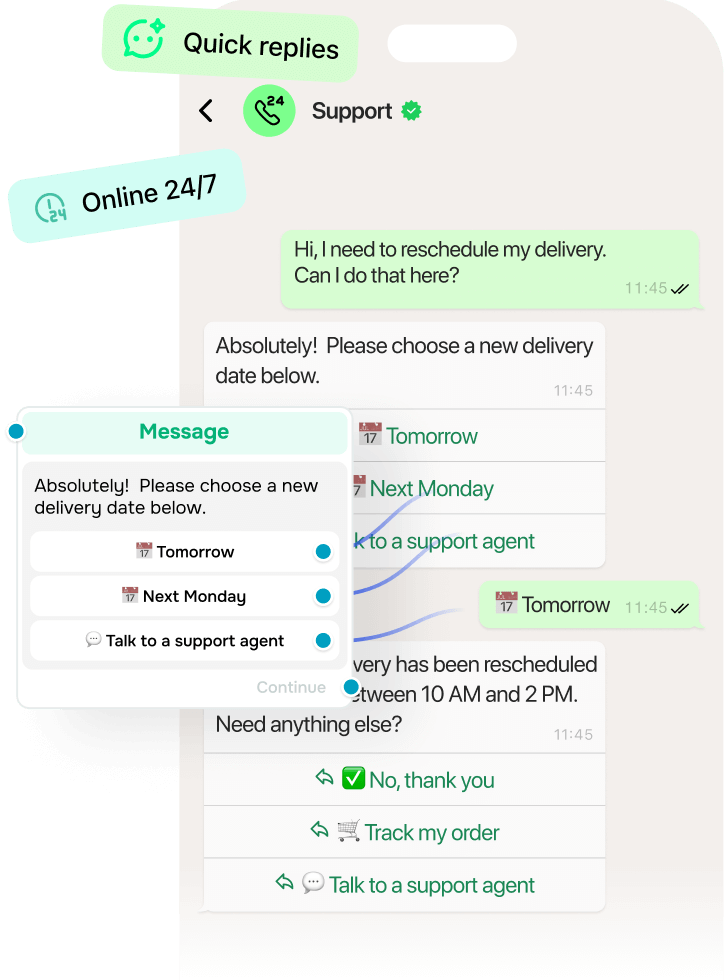
- 24/7 availability. With WhatsApp customer support software, you can run automated flows day and night with no slowdowns or delays.
- Lower support costs. Automation of FAQs and routine tasks cuts staffing needs without compromising support quality.
- Personal approach. Messages feel conversational, not corporate. This leads to better engagement and stronger brand loyalty.
- Smarter collaboration. A shared inbox and internal notes help your reps pick up where others left off and ensure a seamless experience.
Used wisely, WhatsApp turns a simple support channel into a powerful tool that builds customer loyalty.
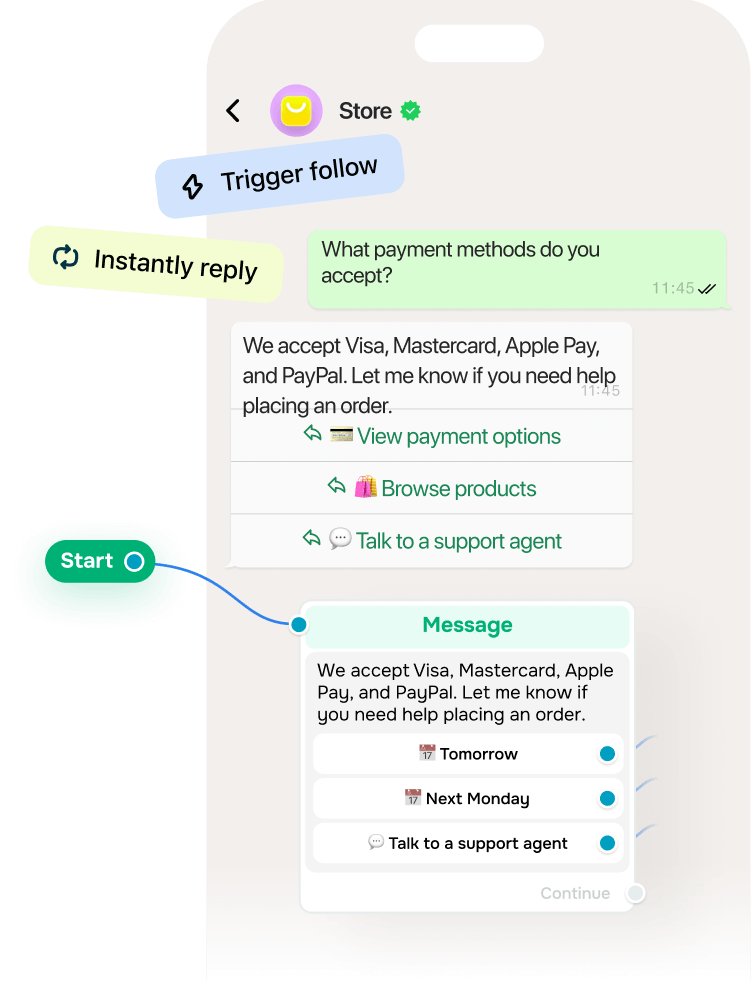
How can you use WhatsApp chatbots for support?
With WhatsApp customer service software, you can:
- Instantly reply to frequently asked questions about delivery, payments, product use, or returns.
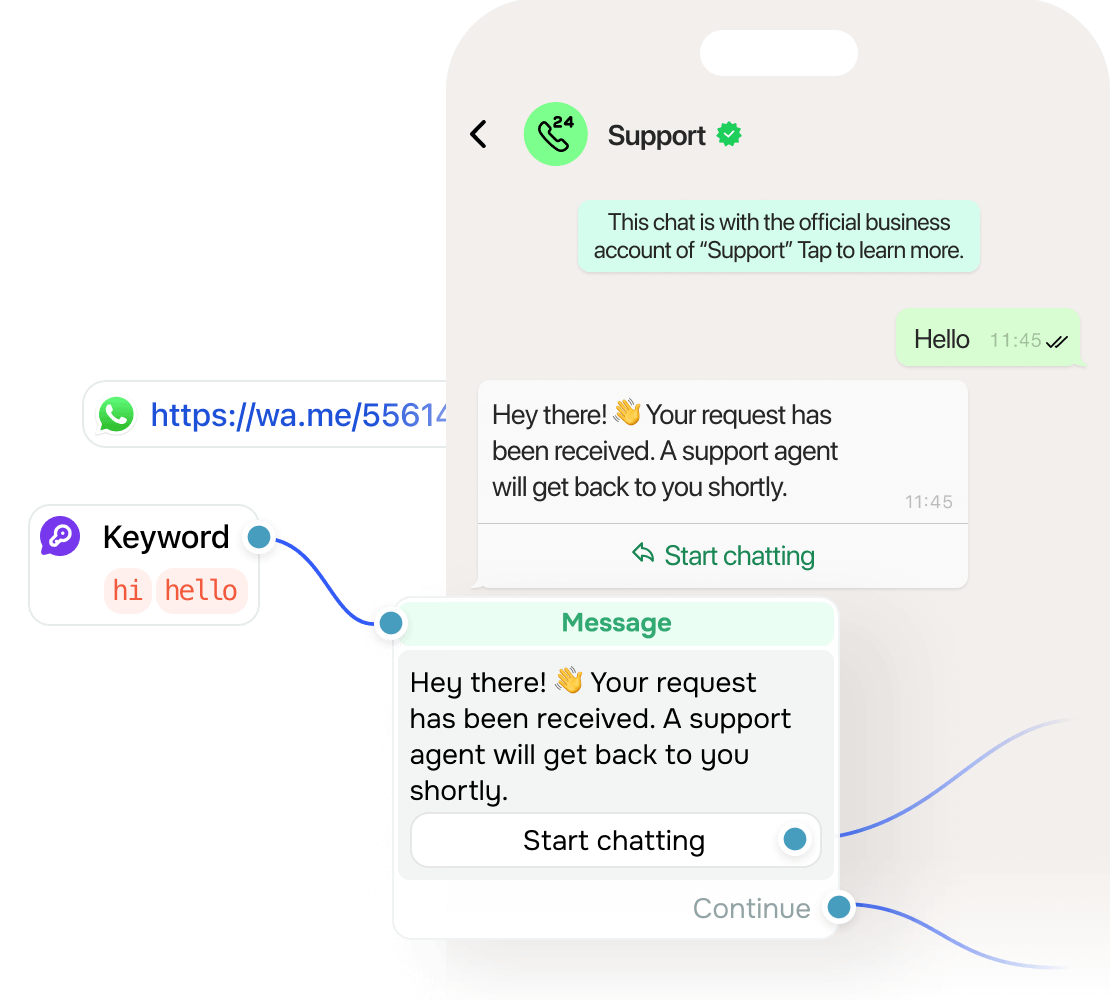
- Walk users through predefined flows based on intent or keywords.
- Collect feedback and reviews without human involvement.
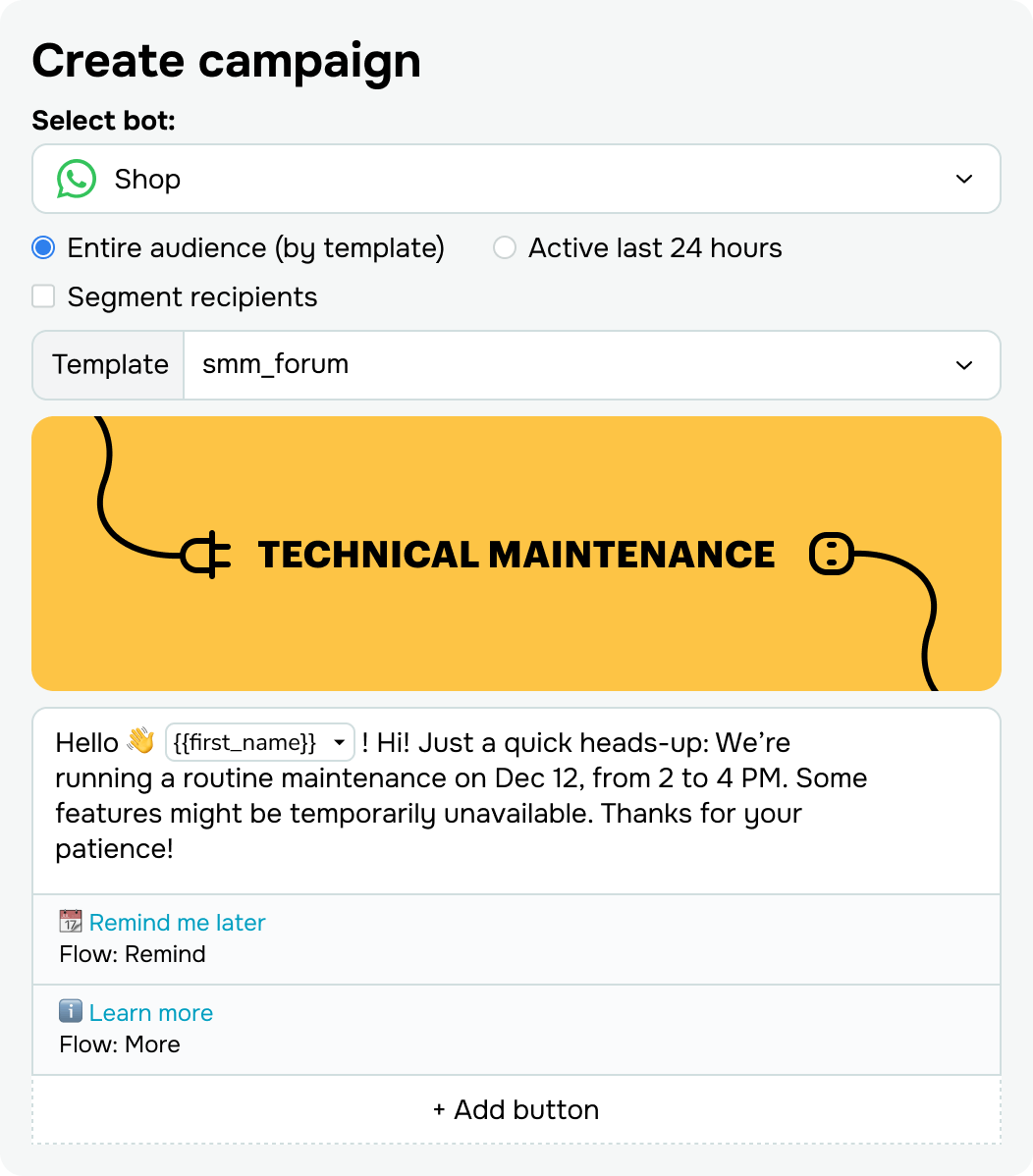
- Trigger follow-up messages or hand off to human agents when needed.
The value? Your team saves time, your clients get solutions instantly, and your business stays responsive even outside office hours.
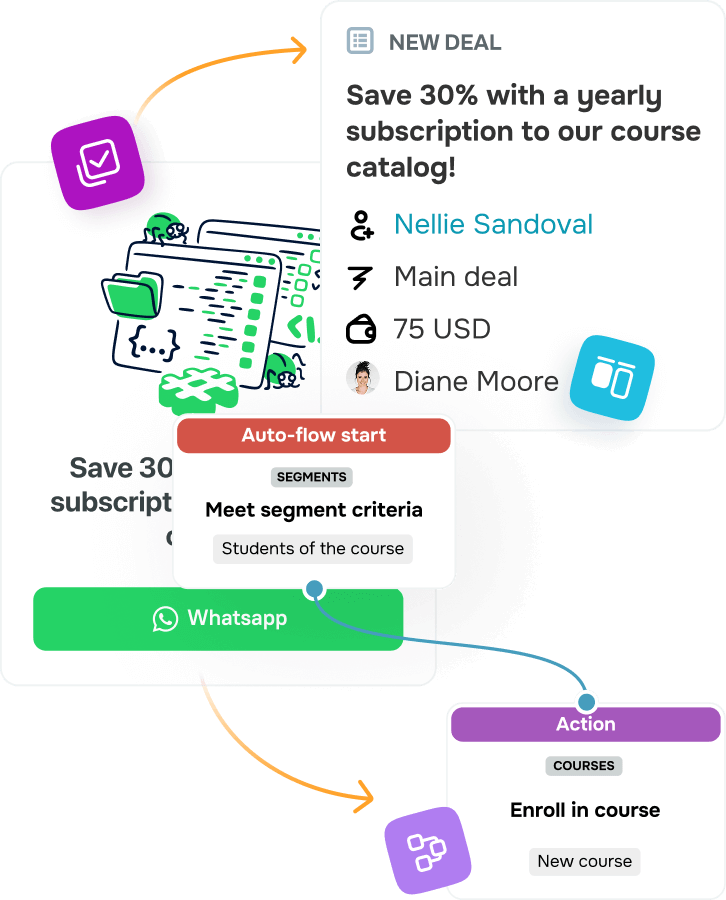
How can WhatsApp be integrated with other customer support channels?
To deliver support at scale, all tools need to work together seamlessly. That’s why WhatsApp customer support software includes built-in integrations with CRM systems and email platforms.
This creates a fully connected support system where:
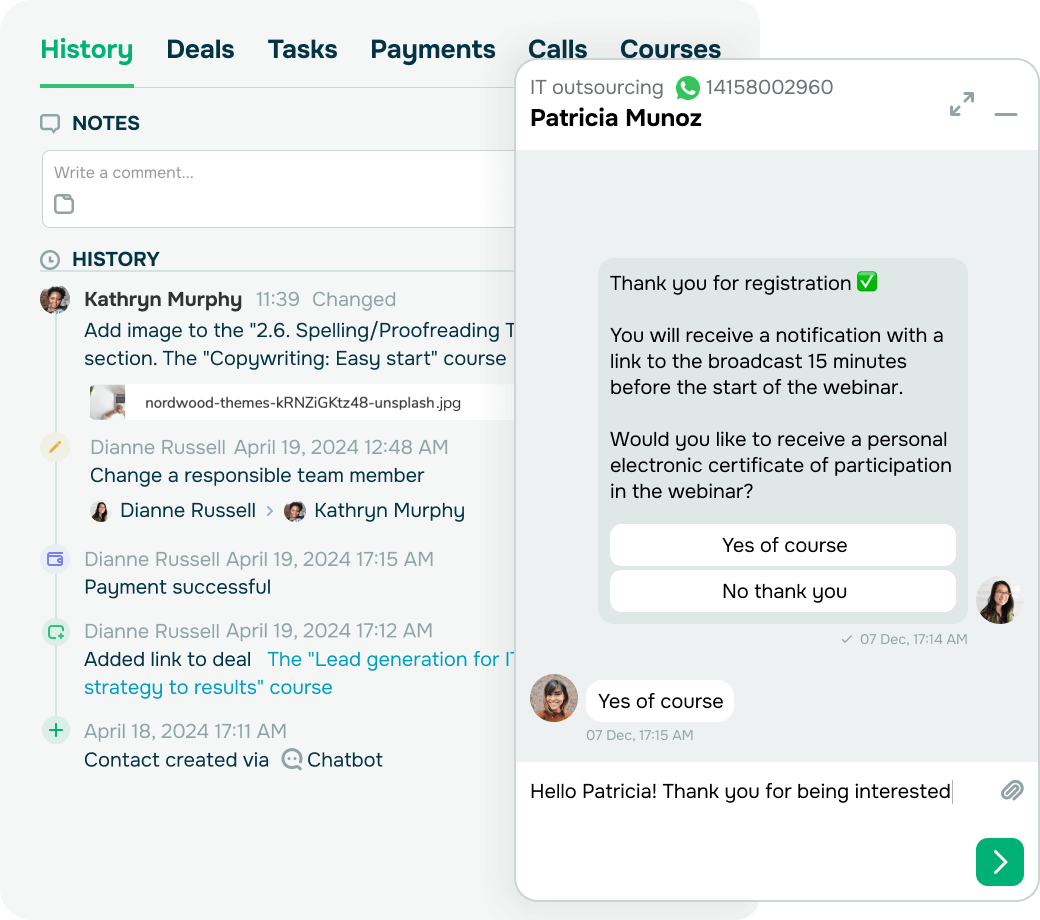
- Chats automatically create contact profiles or deals in your CRM system. This helps you keep customer data points organized and up to date.
- Order statuses, preferences, and past interactions are visible to all agents in one place.
- Support performance is easier to track across touchpoints, including WhatsApp, email, or your website.
Integrations bring all tools together with full context, save time, prevent errors, and deliver a consistent support experience.
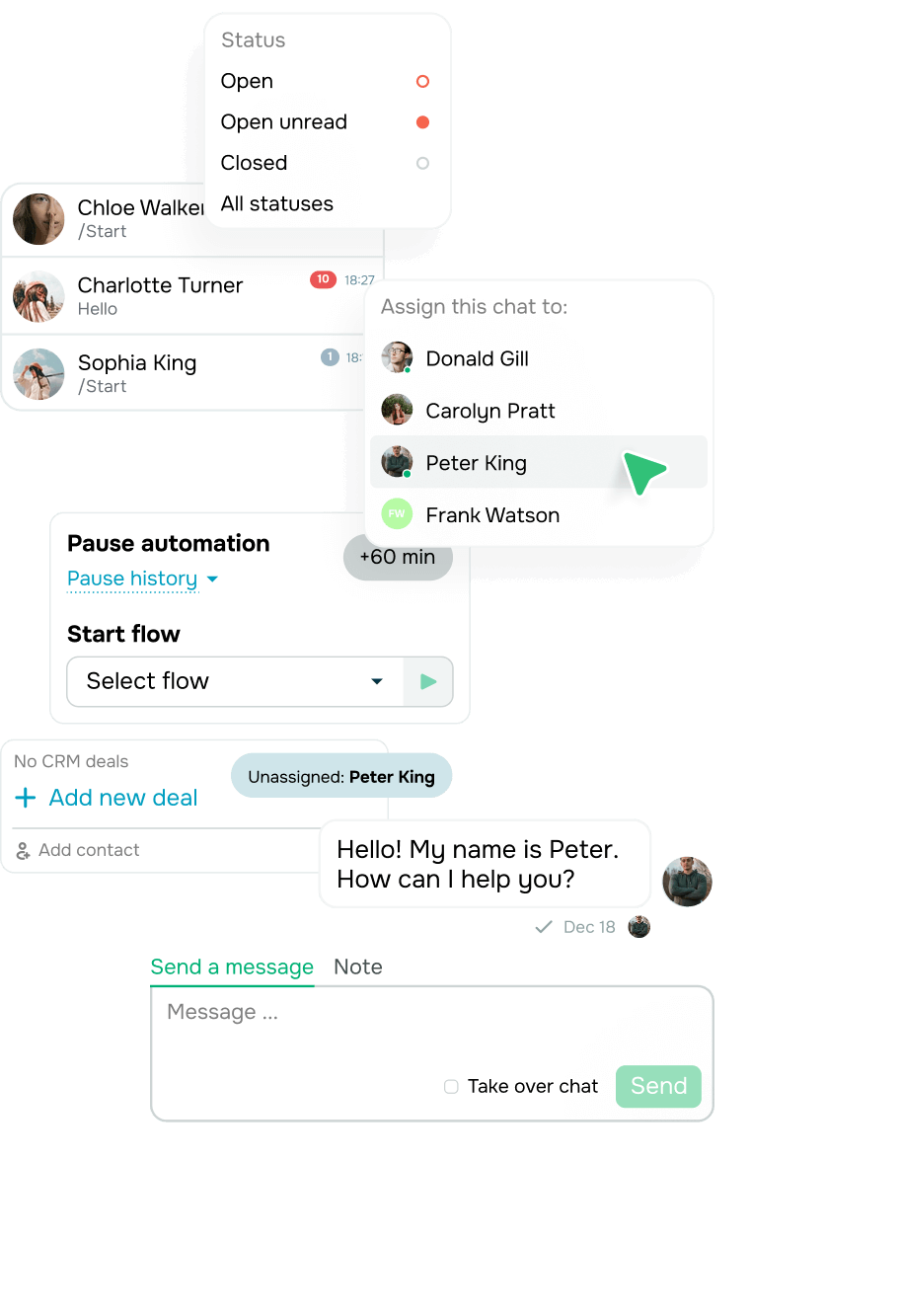
How can you run WhatsApp customer support effectively?
Effective customer support on WhatsApp requires optimized workflows to manage high volumes of messages.
Here’s how WhatsApp customer support software helps businesses stay efficient:
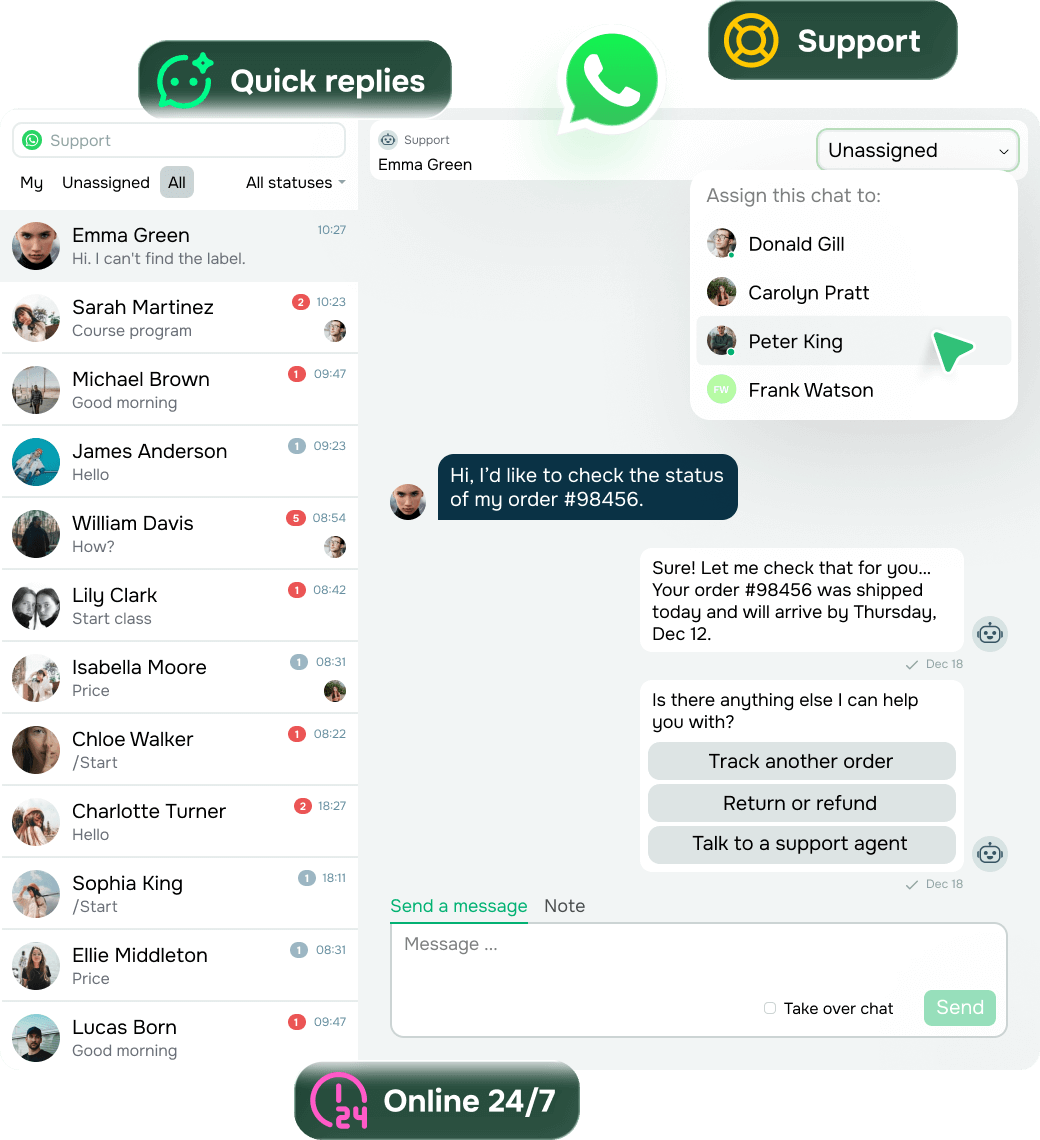
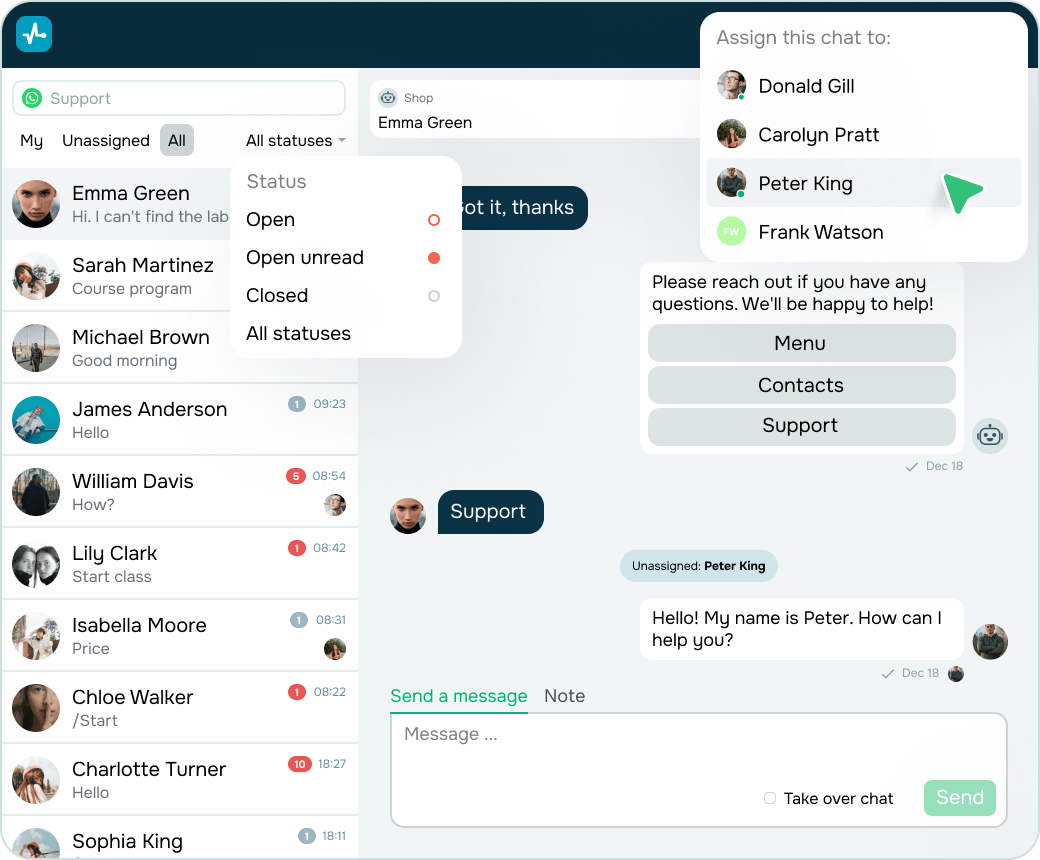
- Team inboxes help multiple agents manage chats from a shared interface without any overlap.
- Role-based access protects sensitive information and defines clear responsibilities.
- Agent assignment and tagging make sure every chat reaches the right person, and not a single message slips through the cracks.
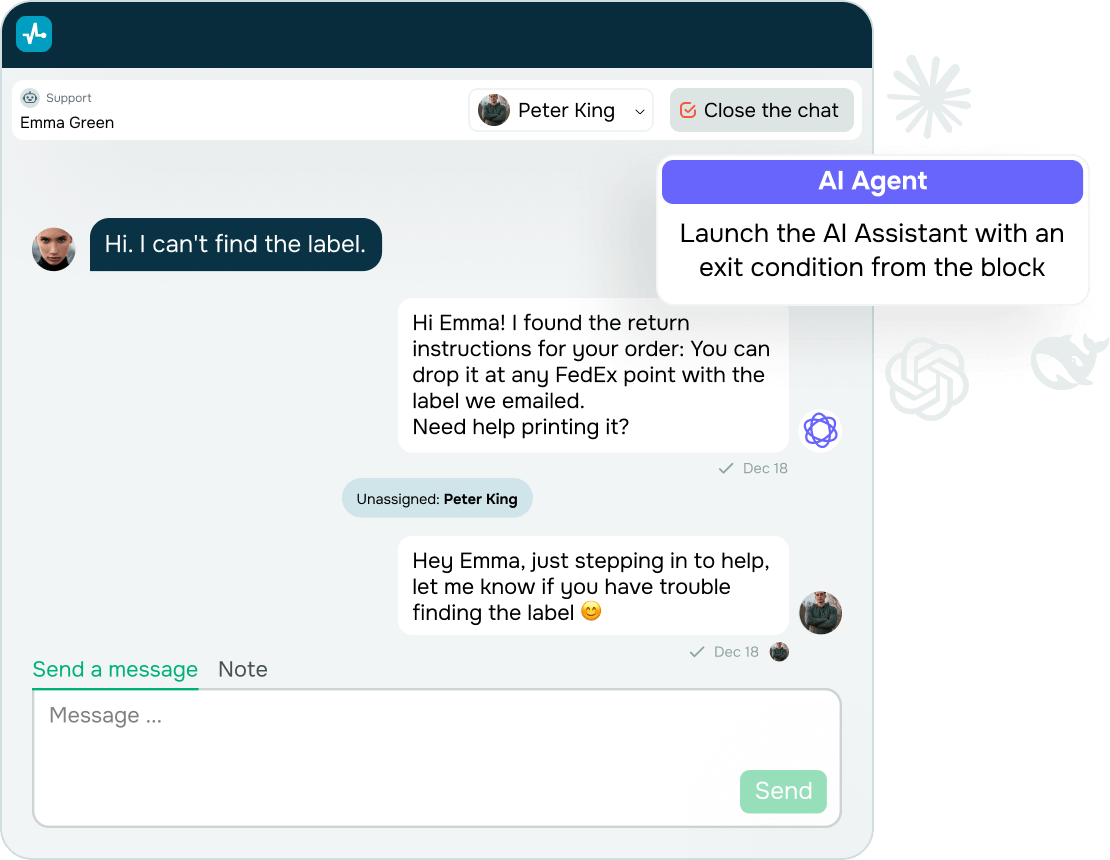
- Internal notes give agents the full context of each message, even if someone else handled the conversation.
- Pause/resume features help you switch from automation to a human agent instantly and smoothly.
And yes, all of this is available on SendPulse’s app too, so your team stays ready to monitor, reply, and resolve at any time.





![How to Create WhatsApp Newsletters That Drive Results [+Examples]](https://www.spcdn.org/blog/wp-content/uploads/2025/04/whatsapp-newsletter-cover-255x167.png)


or