Add a user to your private app
Access to private apps is limited to a specific group of users. You can make your app private for internal company use or personal needs.
To add a new user, go to App directory > Home > Created > Applications. Click the dropdown menu next to your app, and select Edit.
Go to the App availability tab. In the Add new user field, enter the user’s account email address, select it, and click Continue.
You can get a user’s account email address through an user autorization flow or ask the app user to copy it from their account. They need to click their profile picture in the upper right corner and copy the account email address under their name and email address.
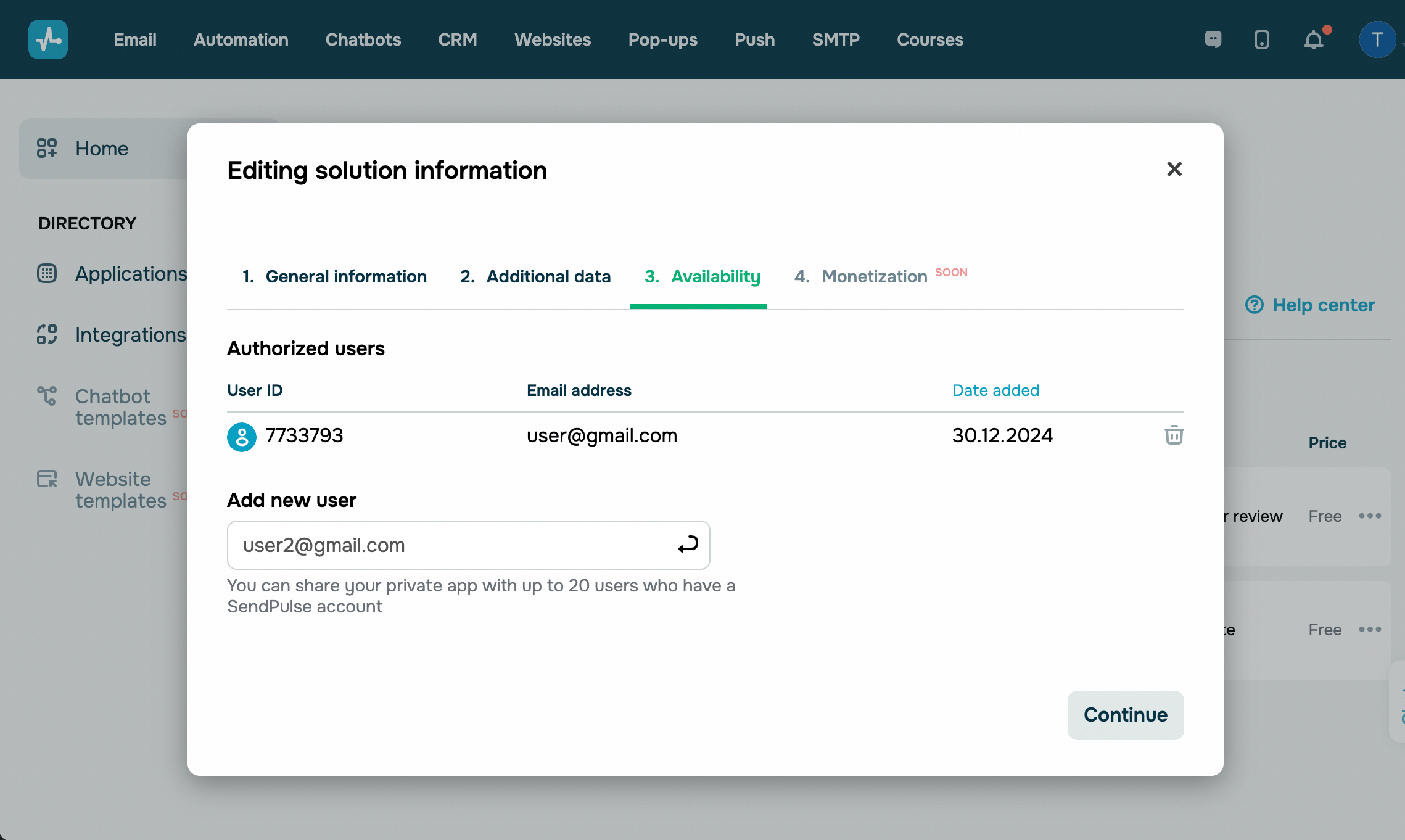
In this tab, you can also view the list of users and the date they were granted access to your app.
 Last Updated: 30.07.2024





or