Assign team members
You can distribute conversations with users among team members and assign certain contacts to them. The responsible team member will receive a notification via your selected method if a subscriber goes through the Open chat element in your chatbot scenario.
To assign a contact to a team member, open a conversation, and select a user in the upper panel.
To select an assignee, you need to invite the user and select a role with access to Chatbots: Conversations and audience.
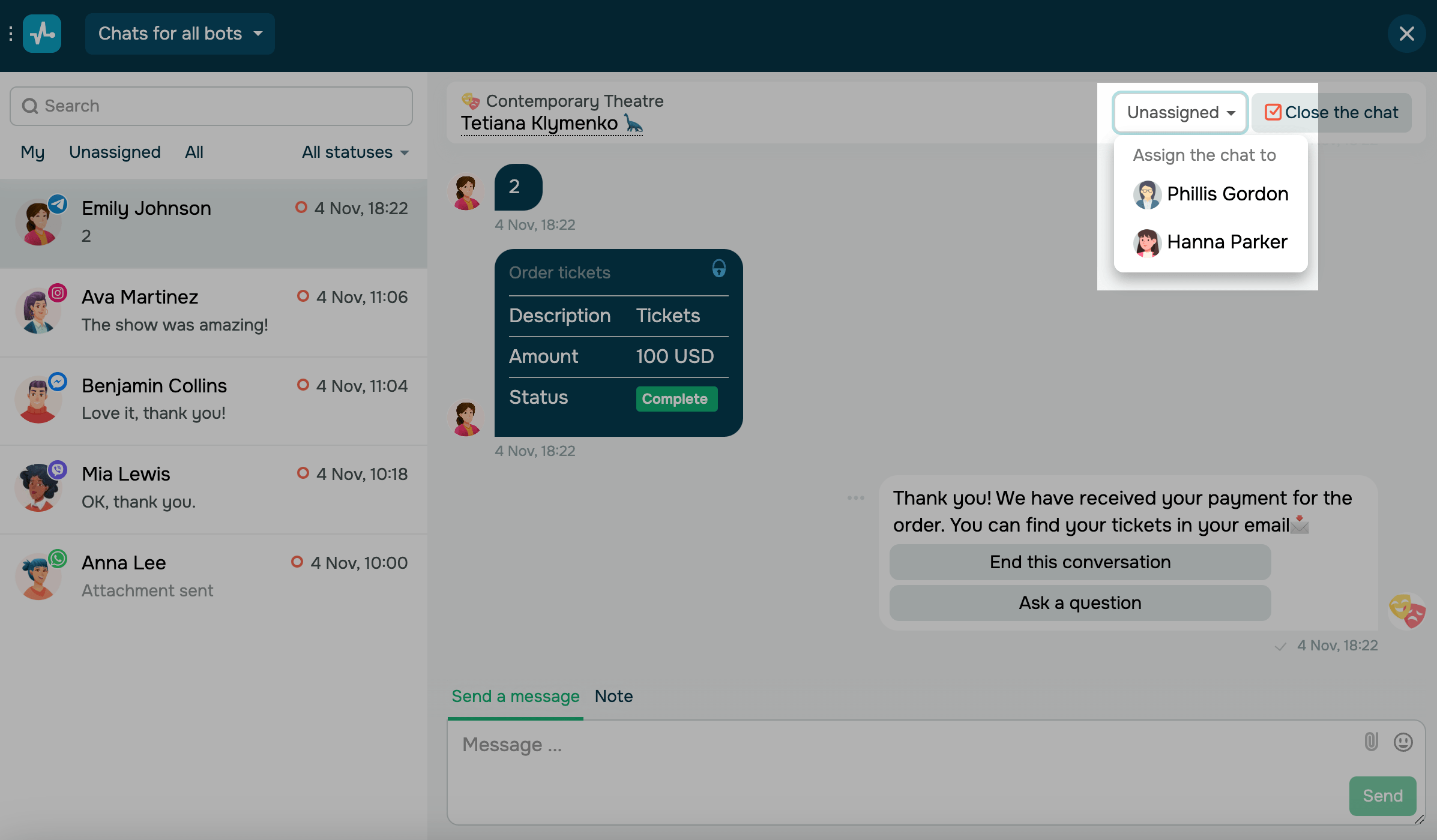
If a team member reassigns a conversation, their name and this action will appear in the conversation.
 Last Updated: 01.07.2025





or