Complete a task
Completing a task is the final task management stage that records task outcomes. Afterward, you can store, organize, and analyze your completed task data.
Complete a task
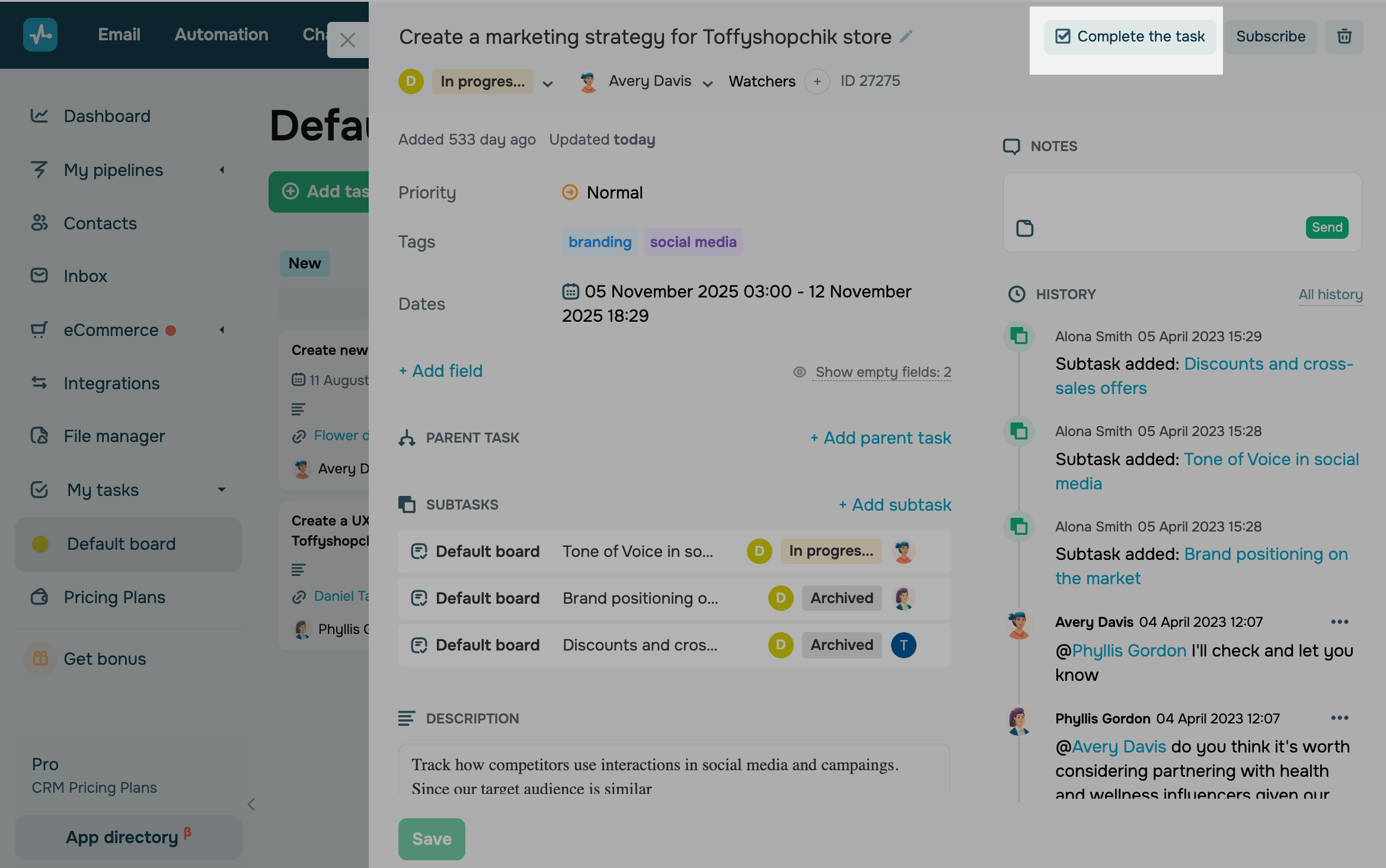
To complete a task, open its card and click Complete the task.
View completed tasks
Go to your task board and click Completed tasks.
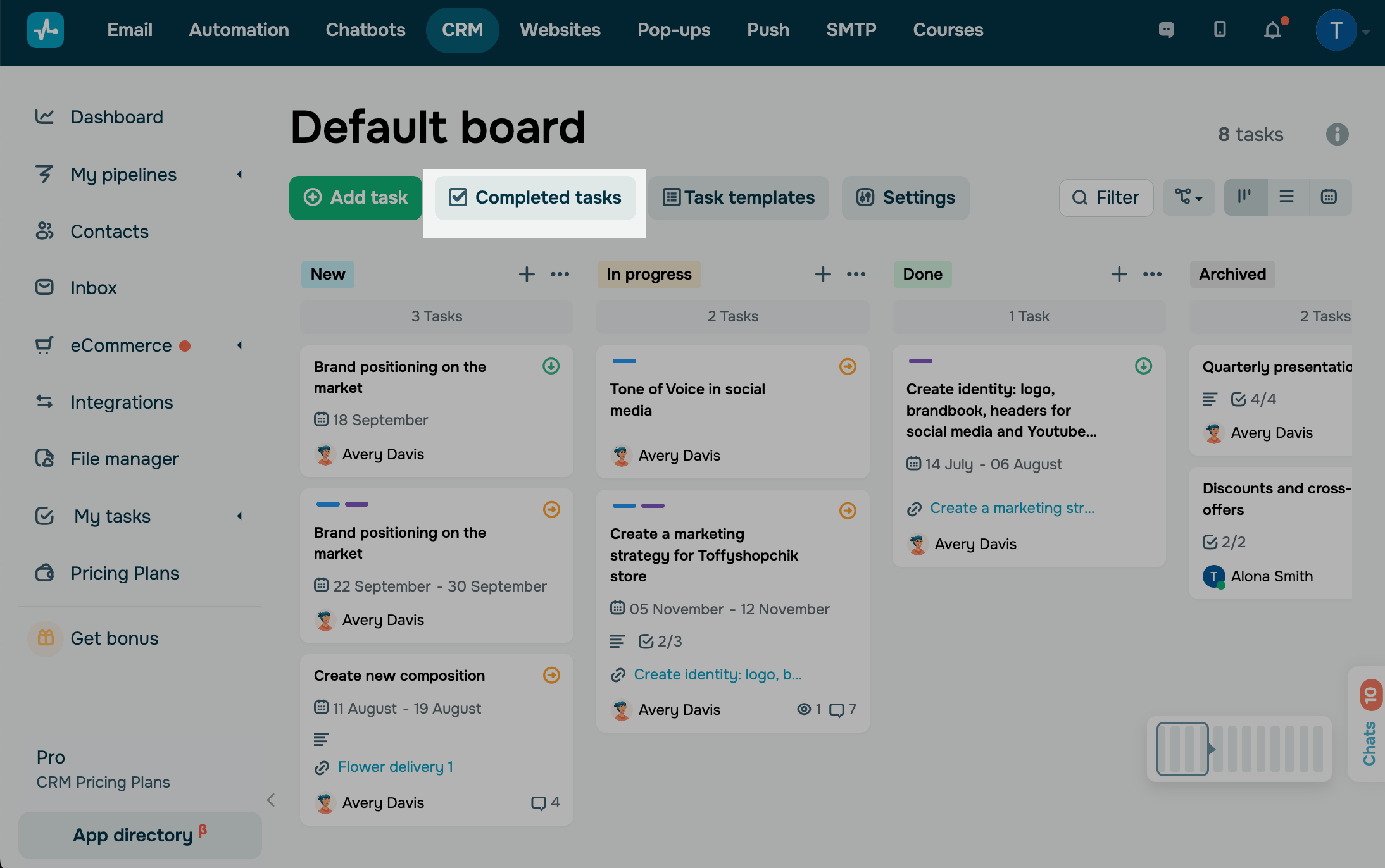
In this section, you can view your completed tasks and their cards. You can also use filters to sort tasks.
Reopen tasks
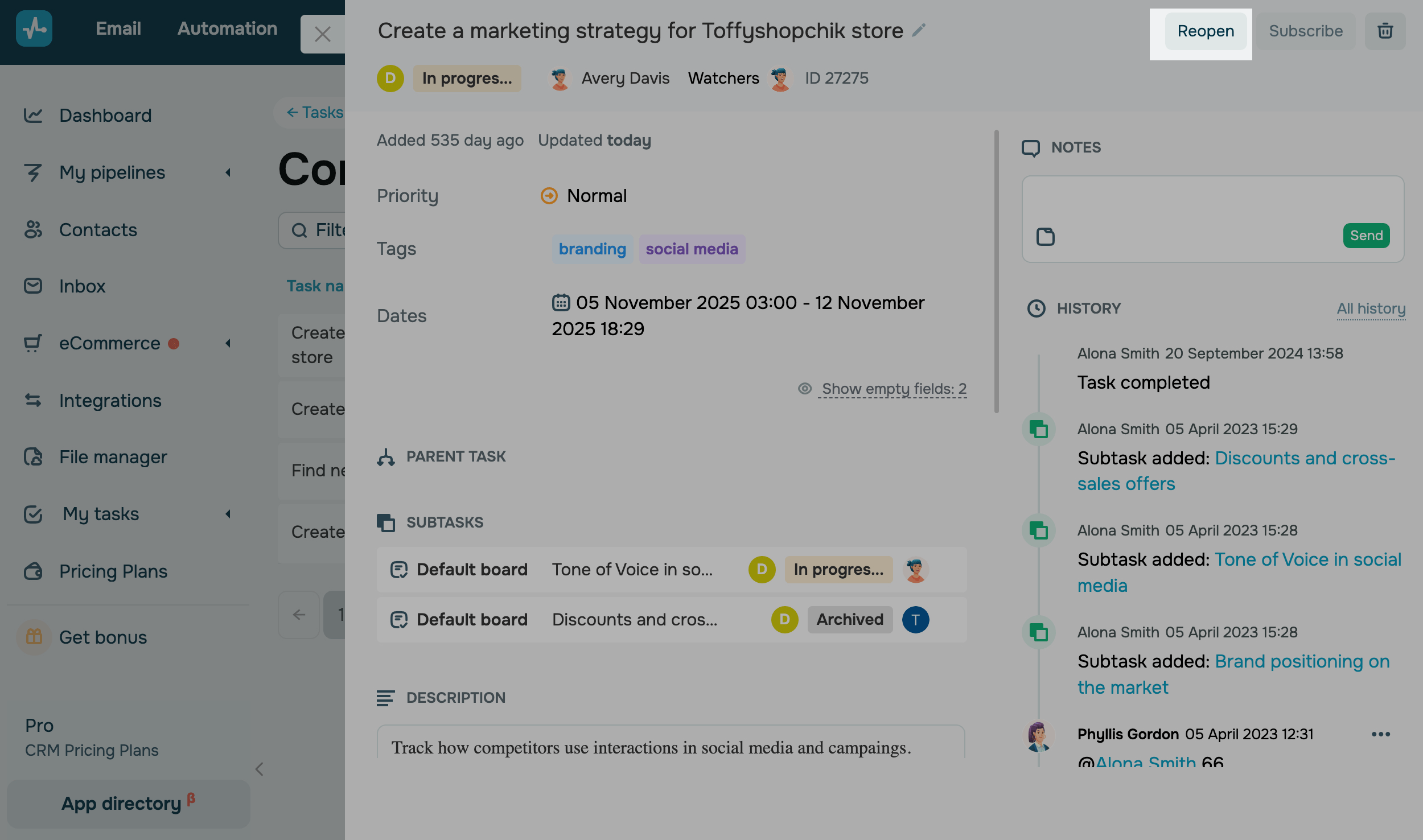
To reopen a task, select it from the list and click Reopen.
 Last Updated: 11.03.2025





or