Custom event trigger
With SendPulse, you can send automated flows using the custom event trigger. When selecting this trigger, corresponding Actions are available.
Flow start events require either an email or a phone a variable.
A chatbot that starts a flow using the Start an automation by event action identifies subscribers through chatbots_subscriber_id and chatbots_channel instead.
In total, you can add up to 100,000 contacts per day to all flow starts in your account. The counter is reset every day at 00:00 based on the time zone in your account settings.
Click a trigger category, and select a trigger.
An event is a trigger that you need to integrate with your server and send to SendPulse to run a flow.
Read more: How to create events.
Select an event to start a flow.
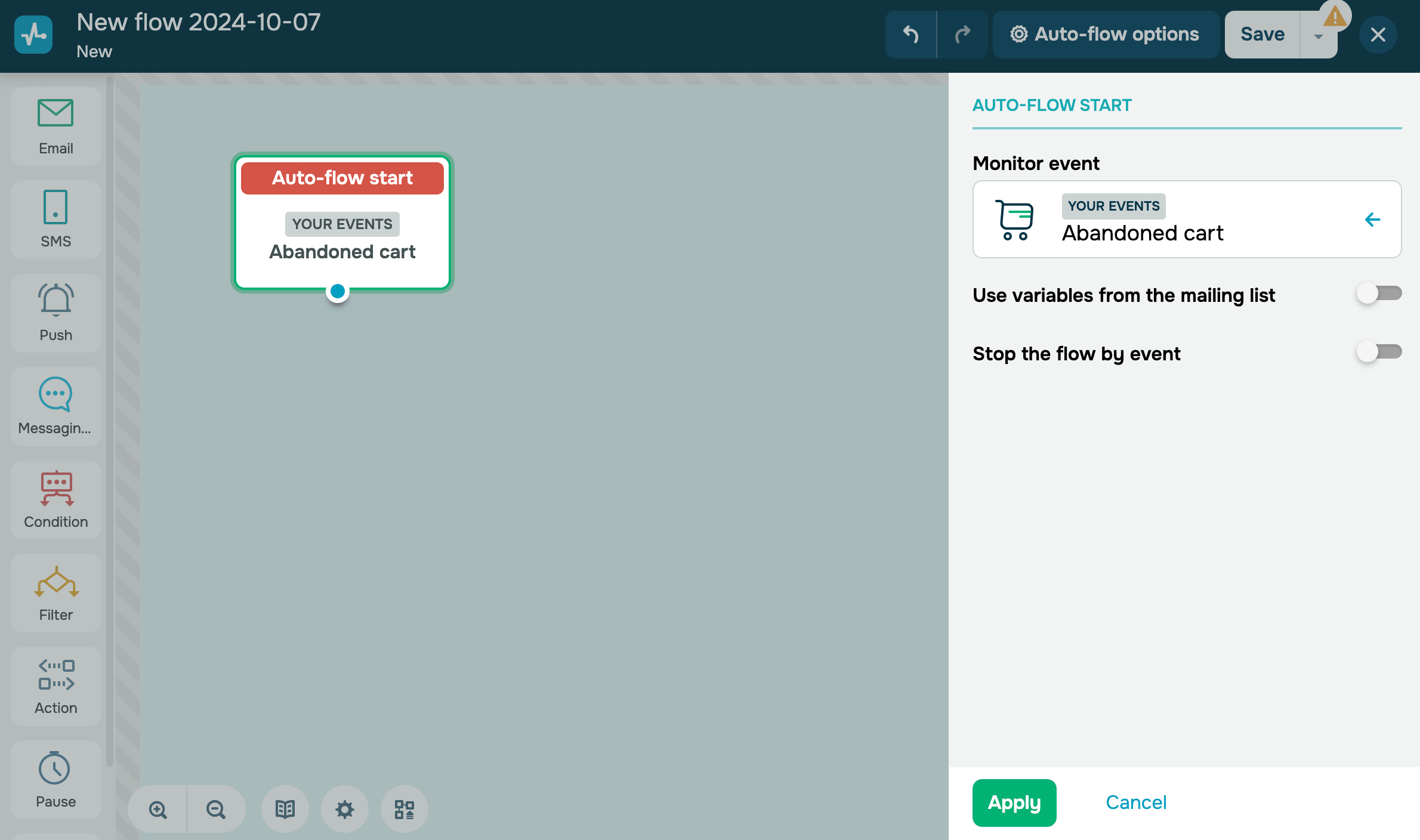
You can also use the Use variables from the mailing list option if, for example, you cannot pass data via an event.
Contact info in a mailing list has to match the email or phone variables in an event so that you can use their values for a contact.
 Last Updated: 17.07.2025





or